

Visual Tournament Scheduler
Visual Editor For All Your Tournament Matches
View all your scheduled games across multiple days, multiple venues & courts on one page.
Schedule Configurator
When Scheduler Meets Calendar
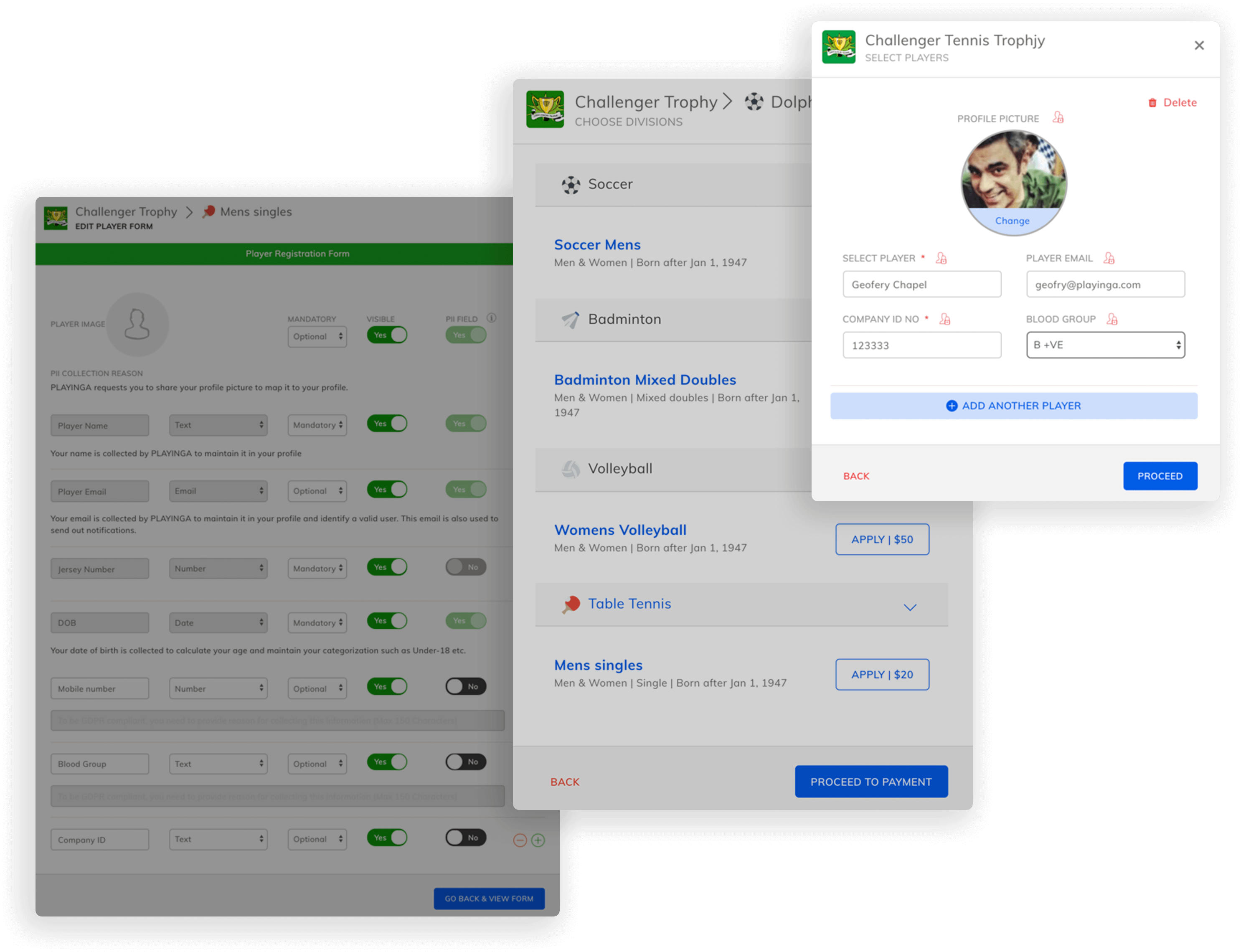
Easily plan and manage your tournament schedule with flexible controls for time, venues, and match allocation—designed to give you complete control with minimal effort.
Smart Tournament Scheduling & Venue Management
- Schedule your tournament easily using a calendar with simple drag and drop functionality.
- Alter all the scheduler parameters such as Date, Time, Venue & Courts whenever needed.
- Customize how venues should be allocated for each match based on your requirements.
- Choose from a set of venue allocation formats to manage matches more efficiently.
Drag & Drop Scheduler
Visual Editor For All Your Tournament Matches
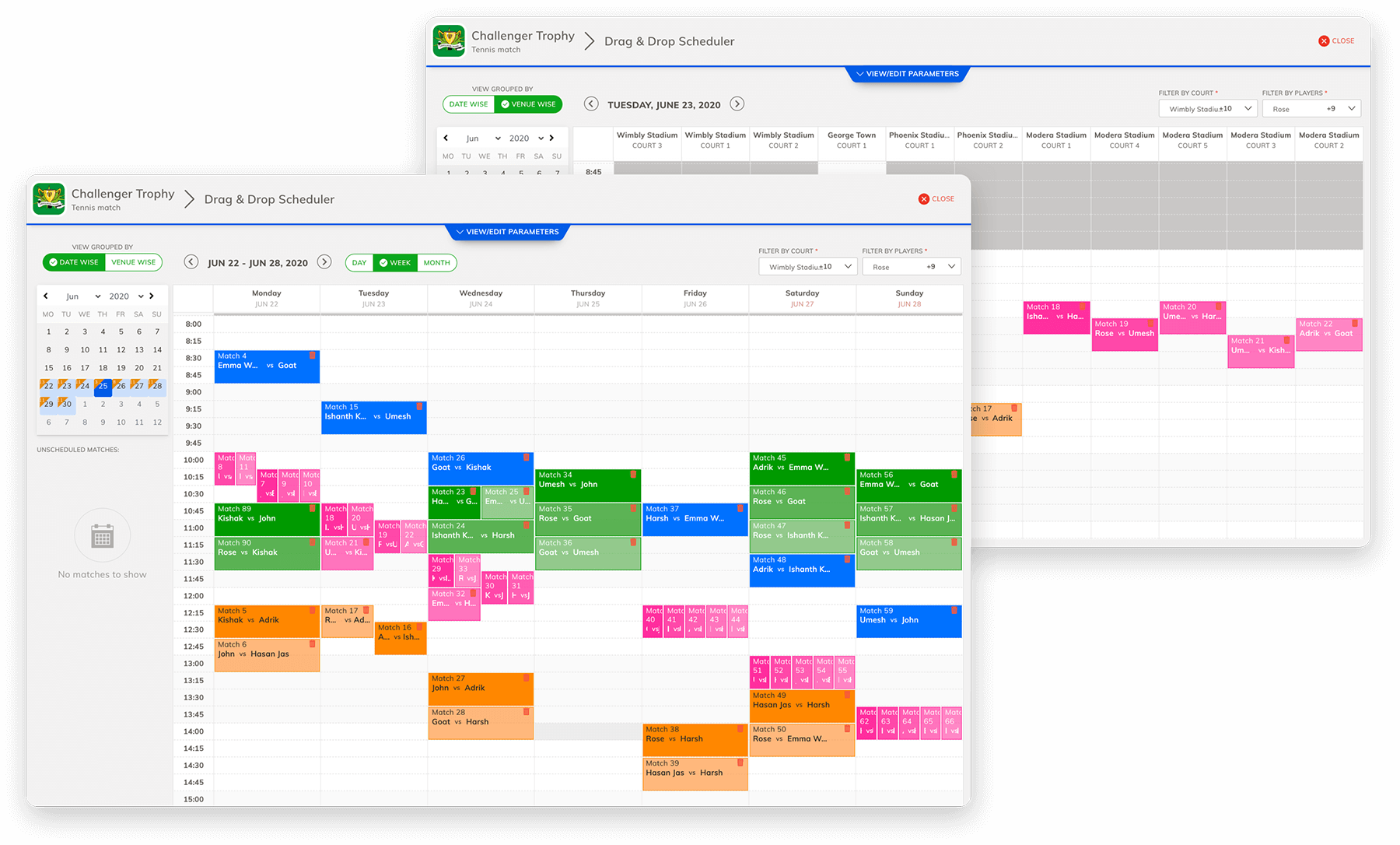
Manage matches in a simple calendar with easy drag-and-drop scheduling and automatic conflict detection.
Smart Tournament Scheduling & Venue Management
- View all matches across days, venues & courts in one simple calendar.
- Quickly organize matches with easy drag-and-drop scheduling.
- Reschedule matches anytime with minimal effort.
- Access all match details directly for each scheduled day.
- Automatically detects conflicts like overlapping matches or tight player timings.
Visual Calendar View
Concise view of your matches across days, venues & courts - all in a simple calendar.
Drag & Drop Scheduling
Organizing & re-organizing your tournament matches is now as simple as dragging and droppings them on a calendar. You will also have all the information you need on each day of the match.
Conflict Detection
TOURNEYSOFT automatically checks for conflicts that might arise, such as a player playing two matches in too short of a timespan.
